Katalogue
Find any photo, video or recording by describing it. Katalogue looks at your pictures and listens to your recordings, right on your computer. Nothing is uploaded.
What is Katalogue?
Katalogue is desktop software that makes your own photos, videos and audio searchable in plain language. Type “kids building a sandcastle” and it finds the photos, and the exact second in a two-hour video, where that happens. Type “the part where we talk about the budget” and it finds the recording and plays it from that sentence.
It works on the files you already have, in the folders you already use, on your own computer. No account, no cloud library, no uploads, and no subscription.
Who uses Katalogue?
Families with years of phone photos and videos; photographers and video editors looking for a shot; podcasters, journalists and researchers searching hours of recordings; anyone who has ever scrolled endlessly for “that one video”.
- DeploymentWindows, macOS
- RunsOn your computer
- Pricing modelOne-time
- Free trial200 files
- SupportEmail, guides
- TrainingIn-app tour
- LanguagesApp in 10 languages, multilingual search
- VendorKagency LLC
Screenshots
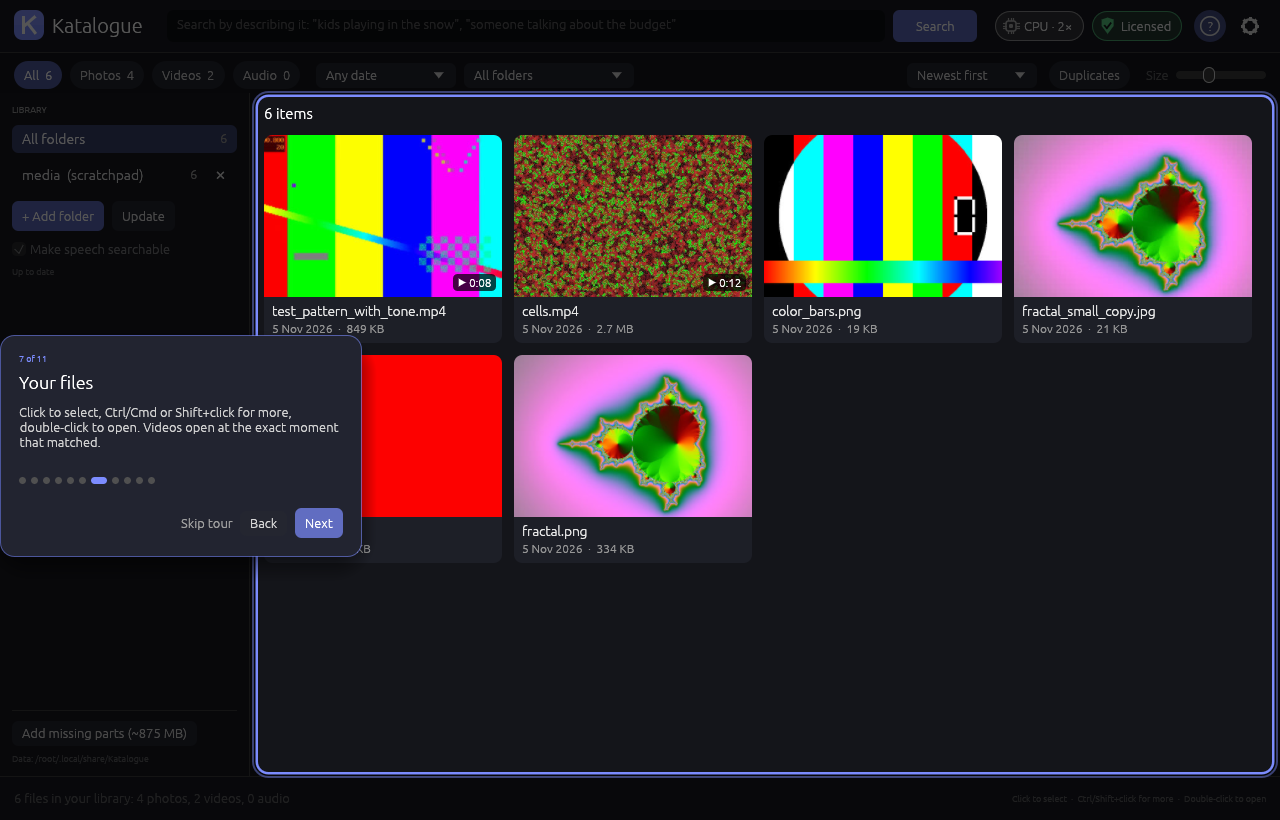
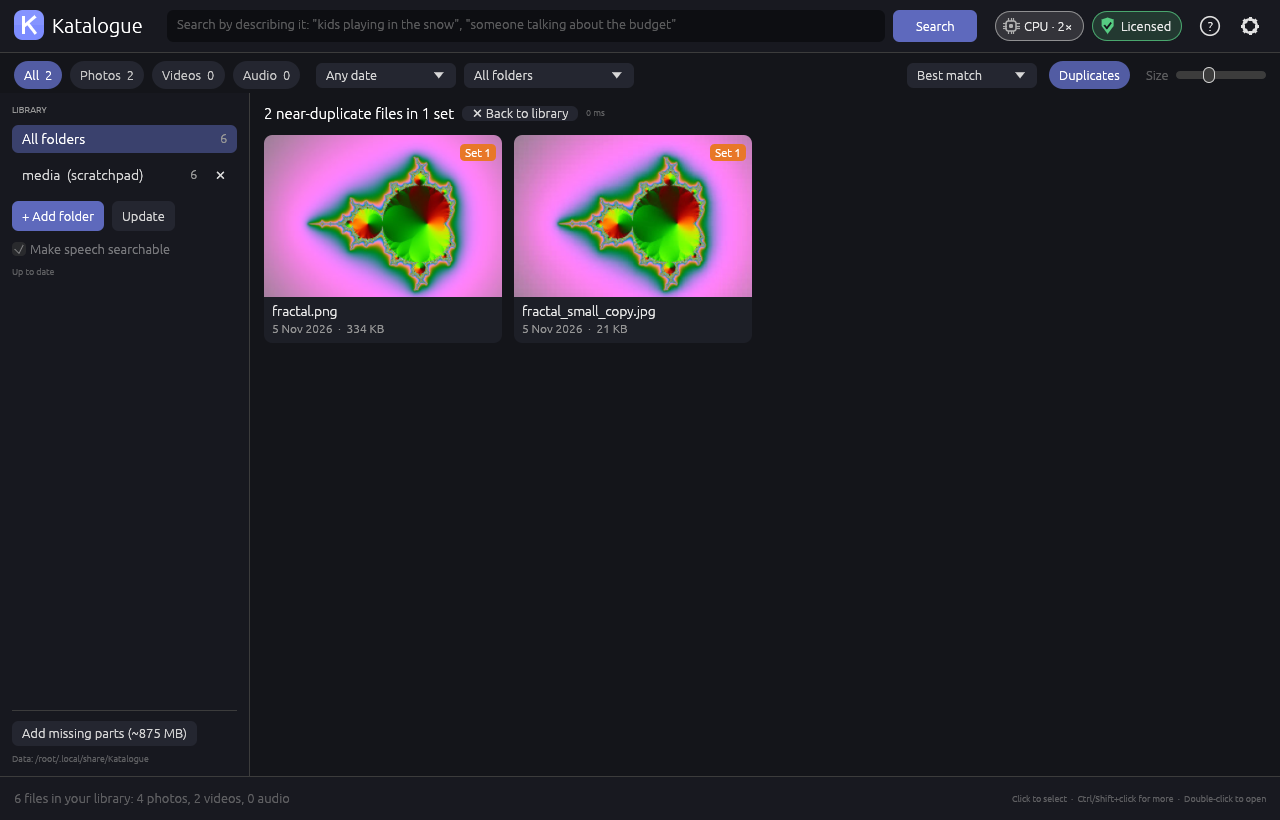
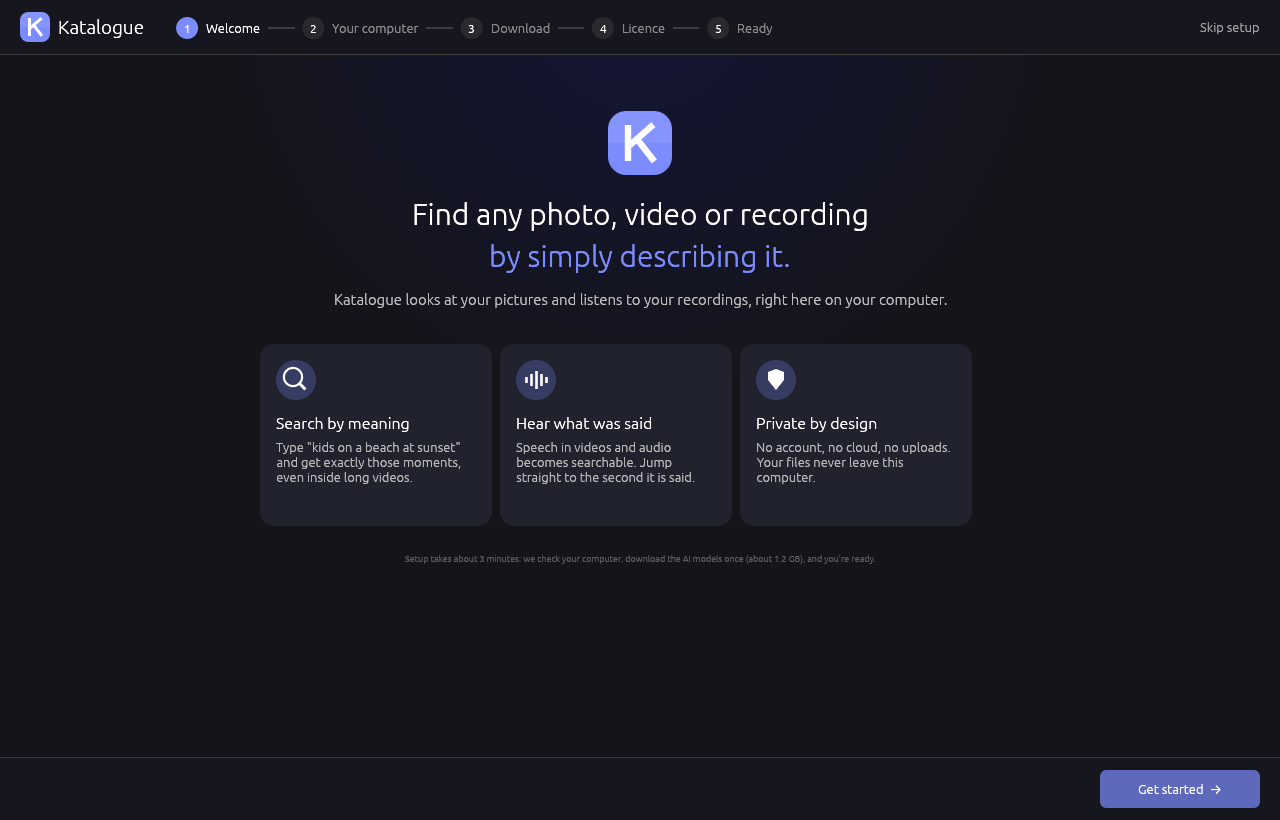
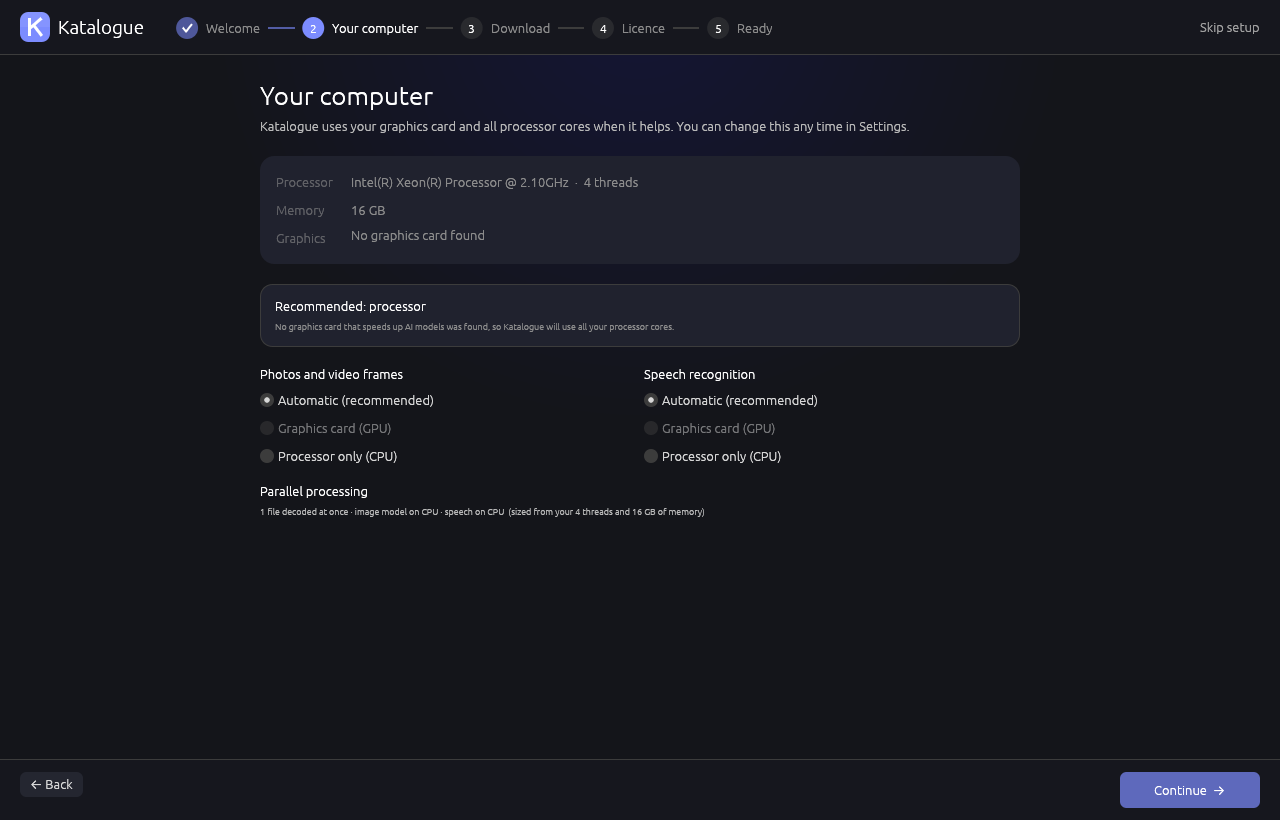
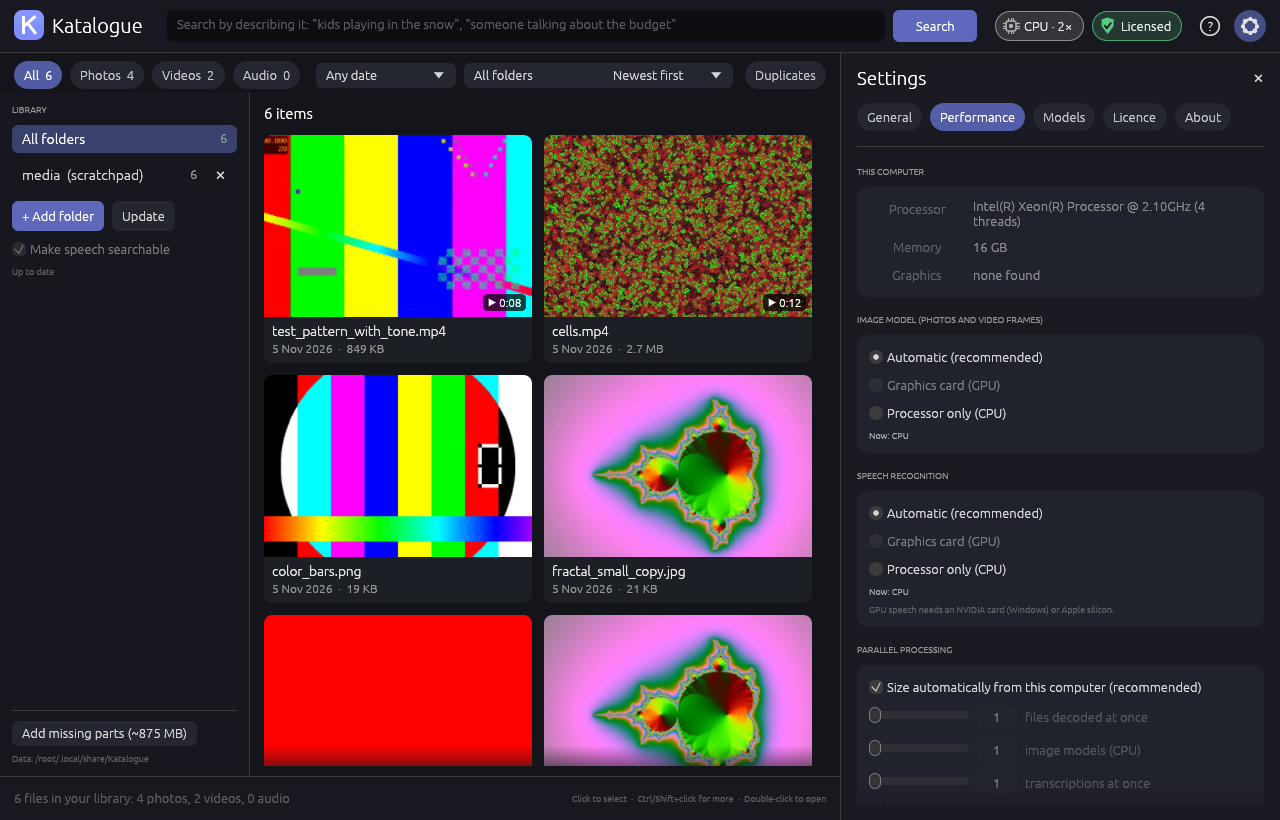
Real screenshots of Katalogue 1.0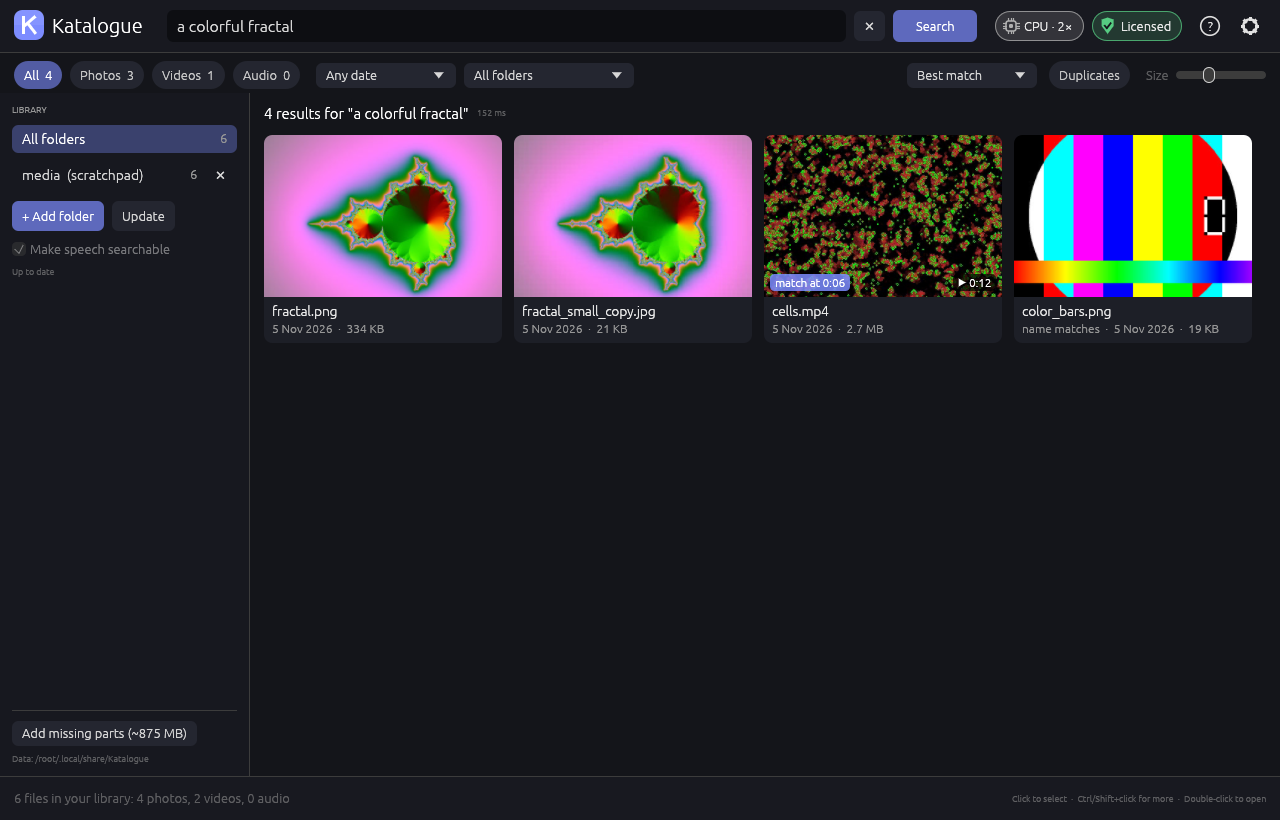
Katalogue features
Everything included in the $50 licenceSearch
- Natural-language search
describe what you see: "two cats on a sofa", "a red car at night" - Search inside videos
every video is sampled frame by frame; results open at the matching moment - Speech search
videos and audio are transcribed; jump to the second a phrase is said - Many languages
search in English, Spanish, French, German, Japanese and more - Names, folders and tags
file names, folder names and embedded titles, artists and comments - Find similarNEW
right-click any photo or video to see everything that looks like it - Near-duplicate finderNEW
spot resized copies, re-saved exports and burst shots
Viewer and player
- Full-window viewer
zoom, pan, step through results in order - Built-in video and audio player
a timeline that marks every match - Slideshow
photos, videos and audio, looping - Open in your usual app
VLC and mpv start at the matching second
Library
- Any number of folders
internal drives, external drives, network shares - Incremental updates
only new and changed files are processed - Filters and sorting
type, date, folder; best match, date, name, size, length - File actions
open, show in folder, copy, copy to folder, move to the bin - Self-repairing index
rebuilds itself from your files after a crash or power cut
Performance
- Graphics card accelerationNEW
uses NVIDIA, AMD and Intel graphics on Windows, and Apple silicon on Mac - Fast speech recognitionNEW
on NVIDIA graphics cards and Apple silicon Macs - Parallel indexingNEW
pictures and speech are processed side by side, sized to your computer - Built-in speed testNEW
compare CPU and GPU on your own machine
Privacy
- 100% on your computer
no account, no cloud, no uploads, no telemetry - Works offline
internet only for the one-time setup download and licence activation
Formats
- Photos
JPG, PNG, WebP, HEIC, AVIF, GIF, TIFF, BMP and more - Video
MP4, MOV, MKV, WebM, AVI, MTS and most other formats - Audio
MP3, WAV, FLAC, M4A, OGG, Opus and more
Pricing
Pricing details →Personal licence
- Every feature, no limits
- All 1.x updates included
- GPU acceleration
- Move it to a new computer any time
- 30-day money-back guarantee
Free trial
- Every feature, up to 200 files
- One trial per computer
- No time limit, no card
Several computers
- Each key covers two computers
- Manage all keys from one email
- Teams and schools: ask us
Katalogue alternatives
Full comparison →Katalogue You are here
Excire Foto
Peakto
Jumper
Competitor prices and platforms as publicly listed or reported in November 2026; vendors change them often, so check their websites. Trademarks belong to their owners; Katalogue is not affiliated with these companies.
Reviews
No reviews yet
Katalogue launched in 2026. Reviews here come only from verified licence holders and are checked before they appear.
Frequently asked questions
Does Katalogue upload my photos or videos?
No. Everything (looking at pictures, transcribing speech, searching) happens on your computer. Katalogue only goes online to download the AI models once, to activate your licence, and (optionally) to check for a new version.
Is it a subscription?
No. You pay $50 once and Katalogue is yours on two computers at a time, with every 1.x update included. A future 2.0 may be a paid upgrade, at a discount for existing customers; 1.x keeps working forever.
What do I need?
Windows 10 or 11 (64-bit), or macOS 13 Ventura or later on Apple silicon or Intel. 8 GB of memory (16 GB recommended) and about 3 GB of disk space for the AI models. A graphics card is optional but makes indexing several times faster.
Does it use my graphics card?
Yes, when it helps: NVIDIA, AMD and Intel graphics on Windows, and the GPU and Neural Engine on Apple silicon Macs. Indexing is then several times faster. A built-in speed test shows the difference on your computer.
Can I move my licence to a new computer?
Yes. Deactivate the old computer in Settings → Licence (or on your My licence page) and activate the key on the new one. Self-service moves are limited to 5 a year; contact us if you need more.
Is there a free trial?
Yes: every feature on up to 200 files, with no time limit and no credit card. To index more than 200 files, buy a licence.
What if it is not for me?
Email us within 30 days of purchase for a full refund. No questions asked.
Which languages can I search in?
You can describe what you are looking for in many languages, and speech is recognised in about 100 languages. The app itself is available in English, Chinese, Japanese, German, Spanish, French, Korean, Portuguese, Italian and Russian.
Find it by describing it.
Try Katalogue free on up to 200 files. No card, no time limit.